Take a photo.
Guests tap to start, pose with a live preview, and review their photos. The booth guides the session.

Put your venue on high-quality digital Polaroid-style photos that guests keep and share. Earn a share of paid photo sessions and reach other venues through BarStar’s live social platform.
No upfront investment · Revenue sharing · Stripe Connect
PHOTO BOOTH + LIVE SOCIAL PLATFORM

Take a photo.
Share it live.
VENUE PROMOTION
Every digital Polaroid-style photo carries your venue’s name. Guests leave with a high-quality, branded keepsake they can download, post, and send to friends — with your bar still part of the story.
Customize the venue branding, photo presentation, and event details to make the experience your own.
See how photos travel across BarStar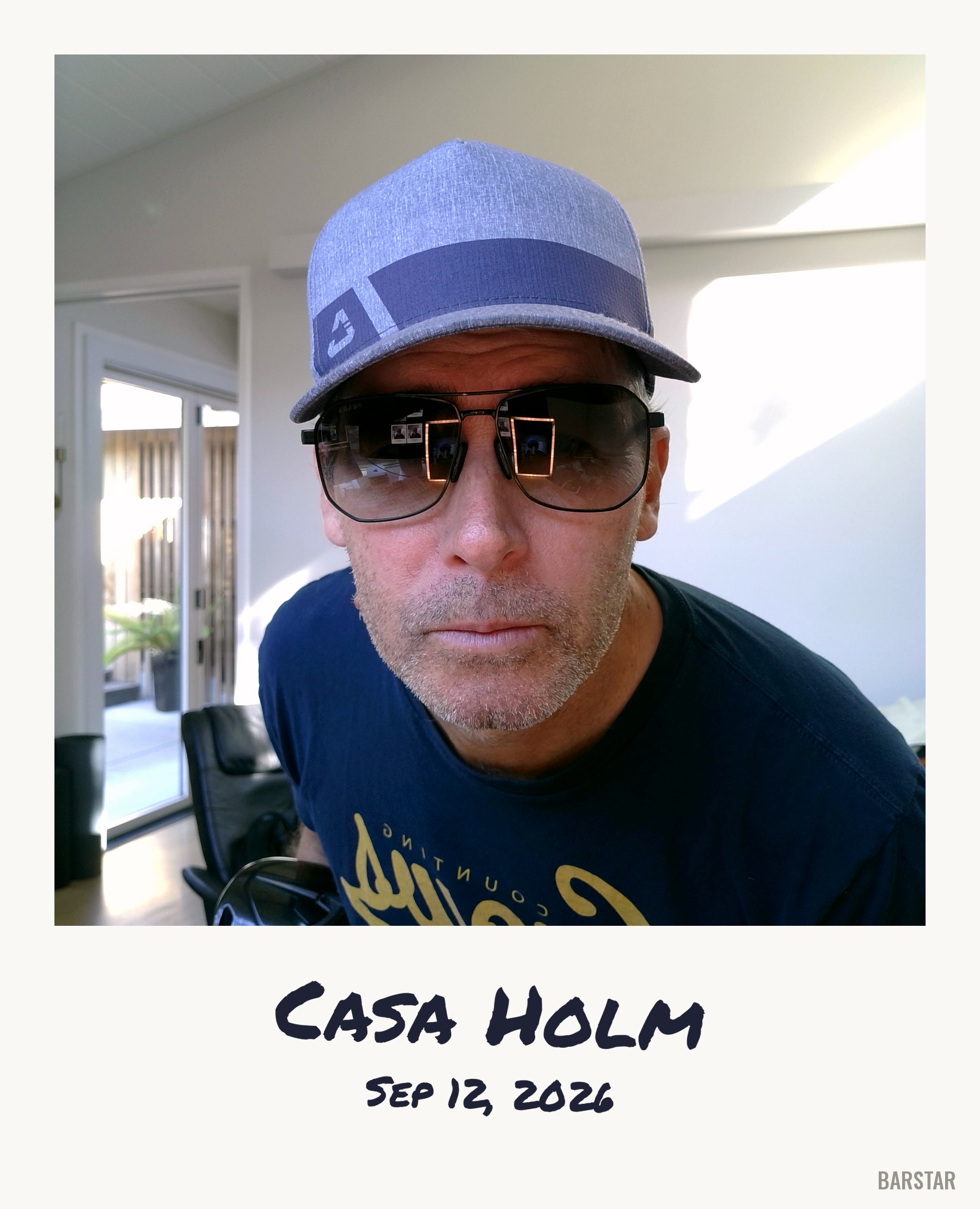
Guests tap to start, pose with a live preview, and review their photos. The booth guides the session.
Branded digital photos arrive by QR code, email, or an optional text. QR delivery needs no phone number or email.
Guests can put their photos on your booth for free, or pay to promote themselves and your bar across the platform.
REVENUE SHARE & PAYMENTS
Bring BarStar into your venue on a revenue-sharing model. Earn your agreed share of paid photo sessions, with integrated payments and payouts through Stripe Connect.
Let’s talk about your venueYour venue’s agreed share is allocated from eligible paid photo sessions. Rates and commercial terms are agreed before installation.
Guests pay through Stripe Checkout on their phones. Connect your venue’s bank account through Stripe’s onboarding flow to receive payouts — no cash collection or manual payment splitting.
Set up venue and event branding, photo styles, lighting, screen appearance, and social features around your bar. Pricing and revenue-share terms are configured as part of your agreement.
Have a suitable location, a nearby power outlet, and your Wi-Fi details ready. Confirm mounting and access with your BarStar contact.
How the camera works, how payments are handled, and what guests control. Clear answers for you and your customers.
The camera stays active while the booth is running. It processes a short, rolling buffer of images in the device’s memory for camera readiness, the live preview, and capturing a guest’s session.
Those background frames are continually replaced; they aren’t saved as a running photo or video archive. The booth also checks camera health so it can recover from interruptions. Photos and clips a guest chooses to create are handled separately for their session and delivery.
More camera & privacy answersQR delivery needs no phone number or email. If you choose text or email, those details are used to deliver your photos, not for marketing.
The published policy sets a seven-day lifetime for delivery links. Save your photos to your phone before the link expires.
Displaying your photos on booth screens is a separate, optional choice. Review the location and duration on screen, or choose “No thanks.”
Payment details are entered in Stripe’s checkout. BarStar does not receive your full card number, and venue bank-account setup happens through Stripe Connect.
Answers about setup, revenue sharing, guest photos, and the live social experience.
BarStar is a compact, self-service photo booth for bars and venues. It combines a touchscreen, camera, and lighting to let guests create photos and receive a digital photo link on their own phones. Options and pricing are shown on the booth.
BarStar promotes your venue on branded digital photos, gives guests an interactive social experience, and earns your bar an agreed share of paid photo sessions. It is offered with no upfront investment, in a compact format that fits where a traditional booth may not.
For installation, pricing, and any venue commercial arrangement, talk to BarStar about your location.
The camera stays active while the booth is running, including between sessions. A small set of recent frames is held temporarily in device memory and replaced as new frames arrive. This supports camera readiness, previews, guest captures, and detecting camera problems.
That background stream is not saved as a continuous recording. Guest-created photos and clips are saved and processed as part of a session. Background frames and saved guest photos are handled differently.
The photo software can locate faces to help frame and enhance a guest’s photos. It does not use that photo processing to identify who someone is or match them against a database of people.
Yes. Sound is processed locally to let the lighting respond to the room’s music. That lighting feature does not save audio recordings or transcribe conversations.
No. Guests can scan a QR code to get their photo link without giving BarStar a phone number or email address. Text and email are optional delivery choices. Text delivery requires the guest to check a consent box.
The published privacy policy says delivery links expire after seven days, after which the photos are deleted. Download your photos before then. Treat your gallery link like a private invitation: someone you share it with can view it.
If you separately choose to display photos on booth screens, those display copies follow the location and duration you select. Contact us if you want them removed sooner.
Only if you choose to share. Local sharing on the booth where you took your photos is free. Premium promotion shows your photos, credited to that venue, across the BarStar platform. The booth explains the duration and any price before you agree. Choose “No thanks” to decline.
To request removal after leaving the booth, email photos@barstar.photos with the venue, approximate session date and time, and your gallery link if available.
A suitable agreed location, power, and a reliable internet connection. Have your Wi-Fi details ready and coordinate mounting and access with your BarStar contact. Before opening it to guests, walk through a complete session and photo delivery together.
The booth monitors device health and can recover from some interruptions automatically. If a problem continues, contact BarStar with the venue name, what happened, and approximately when. For a delivery or payment question, include your gallery link or receipt if available; never email full card details.
BarStar integrates directly with Stripe for seamless payments and automatic revenue sharing. Guests see the price on the booth, scan a QR code, and pay through Stripe Checkout on their phones.
For bar owners, Stripe Connect makes getting paid straightforward. Once you complete Stripe’s onboarding and link your bank account, your agreed share of each eligible paid photo session is automatically allocated to your connected Stripe account. Stripe pays out to your bank account on the applicable payout schedule — no cash handling or manual revenue splitting.
Stripe handles payment details; BarStar does not receive guests’ full card numbers.
There is no upfront investment for the venue. BarStar uses a revenue-sharing arrangement: your bar earns the agreed share of eligible paid photo sessions. The rate and commercial terms are confirmed before installation.
Connect your bank account through Stripe Connect to receive payouts. Premium platform promotion is a separate guest purchase; the venue revenue share described here applies to paid photo sessions.
Venue branding, event details, photo presentation, lighting, screen appearance, and social features can be configured to suit your bar. You can enable or disable on-device likes. Pricing and revenue-share terms are set up as part of your venue agreement.
Yes. When the venue enables likes, guests can tap the heart on photos displayed on the booth. It adds a live response to the shared photos. Likes do not change the guest’s sharing permission or how long their photos are displayed.
The Polaroid-style photos described here are high-quality digital keepsakes with your venue’s branding. Guests download them to their phones. This experience does not require an on-site printer.
No matching answers. Try “privacy,” “setup,” or “delivery,” or email us.
Stop texts, request removal of shared photos, or contact BarStar directly.
Reply STOP to a BarStar text to opt out of further messages. Reply HELP for assistance. This does not request deletion of your photos.
Text message policyEmail the venue, approximate session date and time, and your gallery link if you have it. Tell us if your request includes booth-screen sharing.
Email a removal requestConsidering a booth, getting ready for installation, or need a hand? Reach the team behind the experience.
photos@barstar.photosVenue promotion, live social sharing, and revenue share.
No upfront investment.
LIVE SOCIAL
A social feed
inside the bar.
Guests become part of the screen. Their photos appear with your venue’s name, and people can tap to like them on the device. It gives guests a reason to watch, react, and join in.
On your booth.
Guests choose to broadcast their photos on the device in your venue, at no extra charge. The screen becomes a live reflection of the people in the room.
Across BarStar.
For a premium, guests can promote their photos across devices on the BarStar platform. Your venue’s name travels with them, putting your bar in front of people at other locations.
Tap to like.
On-device likes make sharing interactive. Guests can see the response to their photos, and venues can enable or disable likes on their own device.
Always the guest’s choice.
Guests choose whether to share, where to appear, and for how long. Free local sharing and paid platform promotion are separate from photo delivery.
Sharing choices & removal ↓